As organisations continue to embrace digital learning, the demand for high-quality training and course content has grown significantly. Whether it’s internal skills development, onboarding, compliance, extended learning programs, or professional education, video has become one of the most effective tools for delivering information in a way that is engaging, repeatable, and easy to consume.
But why video? And how can businesses structure their learning content to ensure it is digestible, flexible, and impactful?
In this article, we explore the role video plays in modern learning and development programs, why it works so well, and several different production approaches depending on your style, budget, and training objectives.
What Exactly Is a “Course” in a Learning & Development Environment?
A course or training program is a structured learning experience built around a series of modules. It typically includes:
-
Educational objectives or outcomes
-
Text-based learning materials
-
Activities or interactive elements
-
Assessments or knowledge checks
-
Supporting resources (PDFs, downloads, quizzes)
-
And increasingly — video content
Video acts as the central anchor for many learning experiences because it brings clarity, tone, and context to material that can otherwise feel heavy or abstract. Whether learners are engaging through a Learning Management System (LMS), intranet, website, or online training platform, video helps create a more dynamic and human connection to the content.
Why Video Is Such a Powerful Learning Tool
Video isn’t just a trend — it’s backed by strong learning psychology. Here are a few reasons it works so well in training and education:
1. It boosts engagement and attention
Humans are naturally drawn to movement, faces, and sound. Video holds attention far more effectively than text alone, helping learners absorb and retain information.
2. It simplifies complex ideas
Processes, demonstrations, diagrams, and abstract concepts can be explained much more clearly with visual examples and narration.
3. It creates emotional connection
Tone of voice, facial expression, and real-world scenarios make learning feel more human — leading to better recall.
4. It supports different learning styles
Video caters to visual, auditory, and even kinaesthetic learners when combined with interactive activities.
5. It’s repeatable and scalable
Once recorded, video content can be reused indefinitely, allowing learners to revisit modules at their own pace.
Seamlessly Integrating Video Into a Learning Journey
Modern courses rarely rely on video alone — the most effective training blends video with:
-
Text for key points and summaries
-
Images to reinforce visual understanding
-
Graphics and diagrams to illustrate concepts
-
Audio for narration, sound design, and accessibility
-
Interactive elements like quizzes or scenario branching
When planned well, video items sit inside your LMS as bite-sized modules rather than long, overwhelming recordings. Breaking content into short segmented pieces makes it easier for learners to digest, track progress, and return when needed.
The key is thoughtful structuring: each module should deliver a clear learning outcome, supported by short, engaging videos that steadily build knowledge.
Five Effective Ways to Produce Video for Courses & Training
Depending on your budget, timeframe, style, and learning objectives, training videos can be produced in several different formats. Below are five of the most common and effective approaches — all of which we create regularly at Visual Culture.
1. Voiceover With Slides, Graphics or Animation
Simple, fast, cost-effective.
This is one of the easiest ways to create training content, and it works brilliantly for informational or process-driven material.
Your video may include:
-
Static or animated slides
-
Basic on-screen text
-
Simple graphics or motion design
-
Diagrams or workflow visuals
-
A voiceover narration to guide the lesson
With AI tools now available, you can even:
-
Use AI voices for narration
-
Generate scripts based on your existing documents
-
Convert written training materials into video-ready content
-
Even introduce an AI avatar as your “presenter”
However, while AI can streamline production, it often comes with additional subscription costs – and may lack the authenticity of a real voice or real person. Many training providers choose a hybrid approach: real human narration with AI-assisted scripting.
2. Presenter-Led Video (SME, Educator or Professional Talent)
Polished, professional, and personable.
Having a real presenter on screen brings authority and personality to your content. Your presenter could be:
-
A subject matter expert
-
An educator or facilitator
-
A professional presenter or actor
You can film:
-
On location in your workplace
-
In a studio environment
-
With a teleprompter for smooth delivery
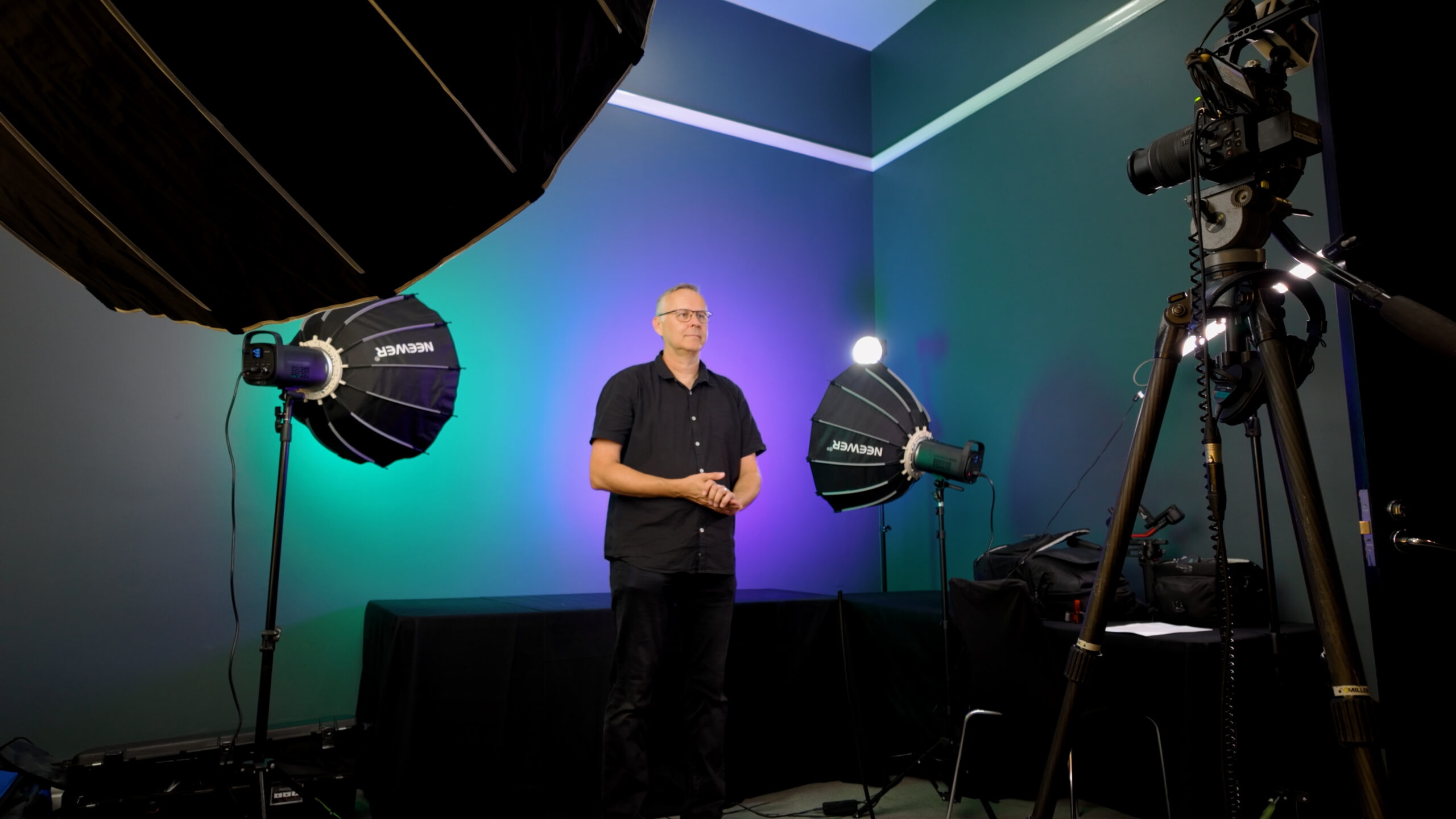
Presenter-led training often blends talking-to-camera segments with supporting materials such as cutaway footage, graphics, animations, or on-screen text. This style works especially well for leadership training, onboarding, compliance, or any content that benefits from a face-to-face style delivery.
3. Interview-Based Training Video
Authentic, conversational, and highly effective — but often overlooked.
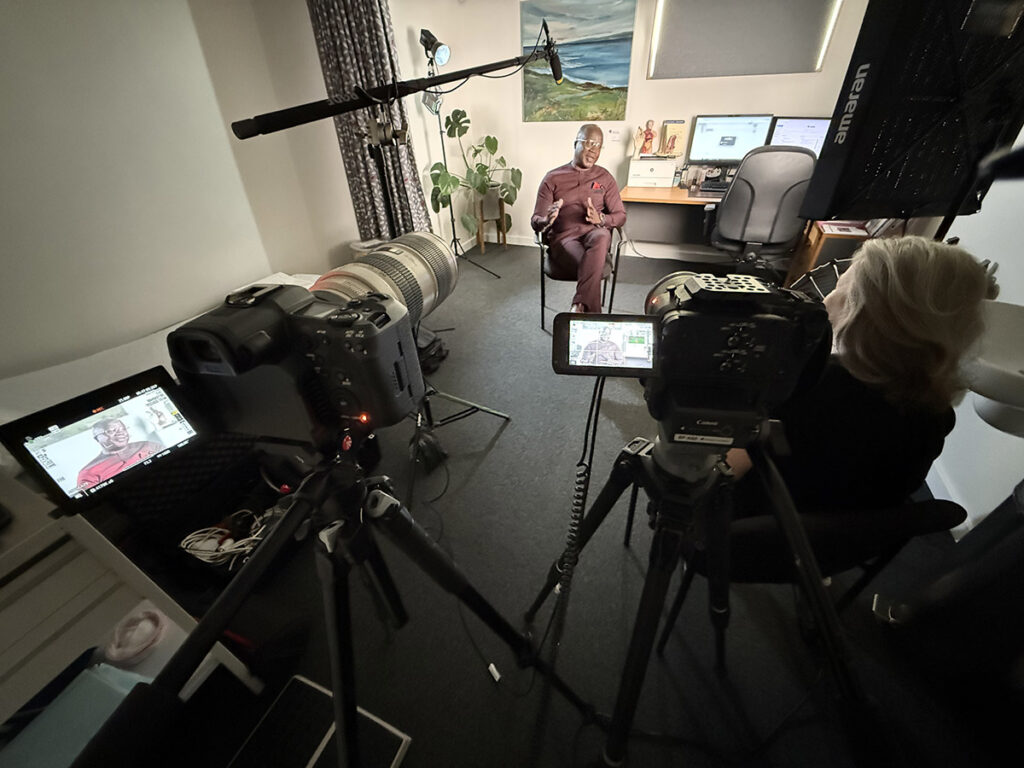
Interview-driven training is becoming increasingly popular. We’ve produced many extended courses using this approach by capturing interviews with subject-matter experts, then breaking their insights into modular learning chunks.
Benefits include:
-
Natural, unscripted delivery
-
Authentic communication style
-
Ability to include multiple voices or perspectives
-
Flexibility to choose off-camera or direct-to-camera eyeline
-
Excellent for storytelling, mindset training, leadership, culture, or case studies
You can weave in B-roll, diagrams, graphics, or demonstrations to create engaging variety while preserving a natural, conversational tone.
4. Dramatised Scenarios
Engaging, immersive, and ideal for behavioural learning.
Some learning outcomes are best demonstrated rather than explained. Dramatised videos use actors — or even your own team — to recreate real-world situations or behaviours.
These work especially well for:
-
Medical or clinical training
-
Customer service scenarios
-
Workplace safety
-
HR and interpersonal communication
-
Ethical decision-making
Dramatisations allow learners to observe behaviour, consequences, and best practices in a realistic, relatable way. This approach is often the most expensive due to scripting, casting, and multi-scene filming — but it delivers exceptional impact.
5. Demonstration Videos
Practical, clear, hands-on training.
Think of these like extended product demonstrations or step-by-step walkthroughs. They’re ideal for processes, equipment handling, physical tasks, software tutorials, or technical demonstrations.
Typically, these videos include:
-
Multiple camera angles
-
Close-ups of key actions
-
On-screen text and graphics
-
Real-time or slowed-down demonstrations
-
A presenter or trainer explaining each step
This style ensures learners know exactly how to perform the task — and can rewatch as often as needed.
Final Thoughts: The Right Format Depends on Your Learning Goals
Every course and every organisation has different learning needs. That’s why no single video format works for everyone.
Some programs need simple slide-based videos. Others require a presenter. Some call for deeply authentic interview responses, or dramatic recreations, or practical demonstrations.
At Visual Culture, we help learning designers, HR teams, educators, and organisations choose the right combination — then produce high-quality training content that is engaging, clear, and aligned with learning outcomes.